
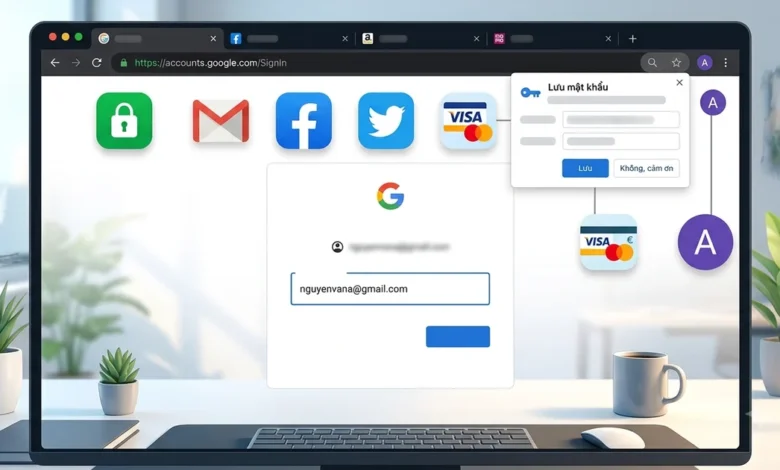
The widespread adoption of web browsers as central hubs for digital life has fundamentally reshaped how individuals interact with online services. A near-universal habit among Internet users is clicking "Save Password" when prompted by their browser, allowing it to remember login credentials for everything from email and social media platforms like Gmail and Facebook to myriad online shopping portals. This ingrained convenience, while undeniably a time-saver, frequently sparks a critical question: is storing passwords and other sensitive information directly within a web browser truly secure, and what data, if any, should be entrusted to these built-in management systems?
The Rise of Browser Password Managers: A Dual-Edged Sword of Convenience
The evolution of the internet has been marked by an increasing demand for convenience. In the early days of the web, users often relied on simple, easily memorable passwords, or even worse, reused the same password across multiple services. As the number of online accounts proliferated and cybersecurity threats grew more sophisticated, the need for robust, unique passwords for each service became paramount. However, this necessity quickly led to "password fatigue," where users struggled to remember dozens, if not hundreds, of complex, distinct passwords.
This challenge paved the way for the development of password management solutions. Initially, these were often standalone applications, but major browser developers soon recognized the opportunity to integrate such features directly into their platforms. Browsers like Google Chrome, Microsoft Edge, and Apple Safari began offering built-in password managers, allowing users to save login credentials and other form data directly within the browser’s ecosystem. This integration provided seamless access and automatic login, drastically improving the user experience and reducing friction. The initial appeal was undeniable: no more forgotten passwords, no more tedious retyping of personal details. This convenience quickly became a cornerstone of modern web browsing, making the "Save Password" prompt a default acceptance for many.
Beyond Convenience: Browser Password Managers as Essential Security Tools
Contrary to a common misconception, modern browser password managers (BPMs) are far more than simple repositories for login details; they are sophisticated security tools designed to enhance user protection. Many users still instinctively reject the "Save Password" prompt, operating under the belief that entrusting their login information to a browser inherently exposes them to undue risk. However, this perspective often overlooks the significant advancements in security features that major browser developers have implemented.
Leading browsers now integrate comprehensive password management systems that actively contribute to a stronger security posture. These BPMs encourage the creation and storage of long, random, and unique passwords for each online account. This capability directly addresses one of the most significant vulnerabilities in personal cybersecurity: password reuse. According to the 2023 Verizon Data Breach Investigations Report, a substantial percentage of data breaches involve compromised credentials, often exacerbated by users reusing weak passwords across multiple platforms. By generating and storing unique, complex passwords, BPMs dramatically reduce the risk of a "credential stuffing" attack, where a stolen password from one site can be used to gain unauthorized access to other accounts.
Furthermore, the data stored by these BPMs is typically encrypted. For instance, Google Chrome encrypts saved passwords using the user’s operating system credentials, often utilizing AES-256 encryption. Accessing these stored passwords usually requires authentication via the device’s password, PIN, or biometric data (such as a fingerprint or facial scan). This multi-layered protection ensures that even if a device is physically accessed, a secondary authentication step is required to reveal sensitive information. Similarly, Microsoft Edge and Apple Safari employ robust encryption mechanisms and leverage platform-level security features to safeguard stored credentials.
Beyond storage, these integrated managers also offer proactive security features. Many browsers now include "password health check" tools that scan saved passwords for weaknesses, identify instances of reuse, and cross-reference them against publicly known data breaches. If a saved password has been compromised in a breach or is deemed weak, the browser will alert the user and recommend immediate action, such as changing the password. This continuous monitoring acts as an early warning system, empowering users to mitigate risks before they escalate. The investment by tech giants in these features underscores their commitment to providing both convenience and robust security, challenging the outdated notion that browser-based password saving is inherently dangerous.
The Real Vulnerabilities: Beyond the Browser Itself
While browser password managers are designed with strong security protocols, it is crucial to understand that their effectiveness is intrinsically linked to the overall security of the user’s computing environment. Cybersecurity experts consistently point out that the vast majority of incidents involving compromised autofill data or saved passwords do not stem from a flaw in the password manager’s encryption or storage mechanism. Instead, they typically originate from broader vulnerabilities related to the device itself, the user’s overarching account security, or their online habits.
One of the primary threats is malware infection. If a user’s computer or mobile device becomes infected with malicious software, particularly information-stealing malware or keyloggers, the security of any locally stored data, including browser passwords, can be severely compromised. These sophisticated threats can bypass browser-level protections by directly accessing the operating system’s memory or file system where encrypted data might be temporarily decrypted or keystrokes captured before they are even processed by the browser’s security layers. The prevalence of phishing attacks, which trick users into downloading malicious attachments or visiting compromised websites, makes this a persistent and evolving threat.
Another significant vulnerability lies in compromised synchronization accounts. Modern browsers often offer the ability to synchronize passwords and other data across multiple devices using a cloud-based account (e.g., Google Account for Chrome, Microsoft Account for Edge, Apple ID for Safari). While this feature offers immense convenience, it also creates a single point of failure. If the primary synchronization account itself is compromised – for instance, through a phishing attack that steals the Google Account password – an attacker could potentially gain access to all synchronized passwords and autofill data from anywhere. This highlights the critical importance of securing these central accounts with strong, unique passwords and, most importantly, two-factor authentication (2FA). Without 2FA, a stolen password for the sync account could grant an attacker an all-access pass to a user’s entire digital life.
Finally, careless physical access or user negligence poses a direct threat. If a device is left unlocked and unattended, or if users grant unauthorized individuals access to their computer, the locally stored browser data, including passwords, can be easily retrieved. This risk is particularly pronounced when using public computers, shared devices, or when failing to log out of accounts after use. The ease with which an attacker can export stored passwords from an unlocked browser further underscores this point. Therefore, the "weak link" is often not the browser’s password manager itself, but the broader security ecosystem and the user’s awareness and diligence in managing it.
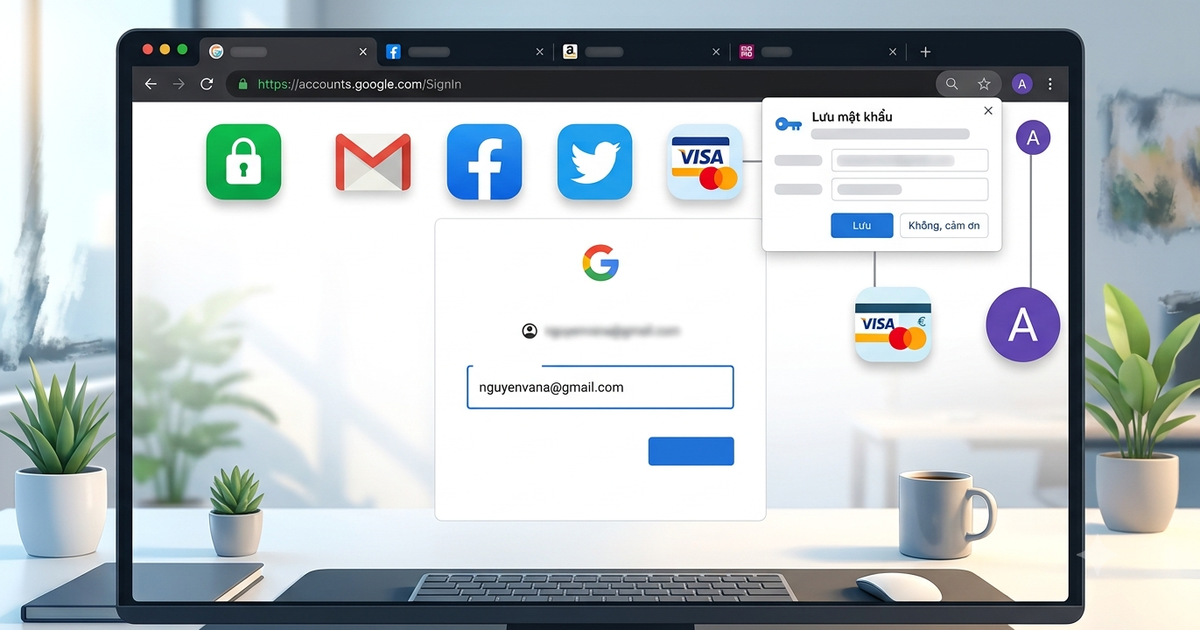
Navigating Autofill: What to Save, What to Protect
Given the nuanced security landscape surrounding browser password managers and autofill features, a critical aspect of digital hygiene involves discerning what information is appropriate to save and what should be handled with extreme caution or never stored. Cybersecurity experts universally agree that not all data carries the same level of risk, and a tailored approach is essential.
Personal Information (Name, Address, Email, Phone Number): For frequently used personal details such as full name, residential address, email address, and phone number, saving them via the browser’s autofill feature on a personal, securely managed device is generally considered safe and highly convenient. This data is often required for online forms, account registrations, and e-commerce transactions. Storing it can save significant time and reduce input errors. However, this convenience should be limited to devices that are under the user’s exclusive control and are adequately protected with device-level authentication (passcode, PIN, biometrics). On shared or public computers, such information should never be saved.
Financial Data (Credit Card Numbers): When it comes to payment information, such as credit card numbers, a higher degree of caution is warranted. While many browsers offer to save credit card details for faster checkout, users should carefully weigh the risks. If a personal device is well-secured with a strong screen lock and the browser’s synchronization account is protected by robust 2FA, saving credit card numbers can be acceptable for convenience. The browser typically only autofills the number and expiry date, leaving the critical security code (CVV/CVC) to be manually entered, adding a layer of protection. However, users must be acutely aware that a compromised device or sync account could expose this information. For those with heightened security concerns, dedicated, standalone password managers (which often offer more robust encryption and auditing features) or simply manually entering card details for each transaction might be preferable.
Critical Authentication Data (OTPs, PINs, CVV/CVC, Recovery Codes): There is a definitive consensus among cybersecurity professionals: One-Time Passwords (OTPs), Personal Identification Numbers (PINs) for cards or banking, Card Verification Value/Code (CVV/CVC) numbers, and account recovery codes should NEVER be saved within a web browser, or indeed, any digital autofill system. These pieces of information represent the final, most critical authentication layers for accessing financial accounts, authorizing transactions, or regaining control of a compromised account.
- OTPs are designed to be single-use and time-sensitive. Saving them would defeat their entire purpose as a second factor of authentication.
- PINs are typically required for ATM transactions or point-of-sale purchases and are often the primary authentication for digital banking. Storing them digitally makes them highly vulnerable.
- CVV/CVC codes are the three or four-digit security codes on the back of credit/debit cards. They are specifically designed to prevent unauthorized online transactions if the card number is stolen. Saving them alongside the card number eliminates this crucial safeguard.
- Recovery Codes are unique, one-time use codes provided by services to regain access to an account if all other authentication methods are lost. These are the ultimate keys to an account and must be kept offline and highly secure, never in a browser.
Exposing any of this critical authentication data would allow an attacker who gains access to a device or sync account to bypass multiple security layers and fully compromise financial assets or critical online identities. These are the "master keys" that must remain separate and inaccessible through automated means.
Expert Consensus and Industry Recommendations
The prevailing expert opinion on browser password managers is nuanced: they are valuable tools that enhance security when used correctly within a secure ecosystem. Cybersecurity analysts and industry bodies like the National Institute of Standards and Technology (NIST) and the Cybersecurity and Infrastructure Security Agency (CISA) advocate for the use of unique, complex passwords for every online account. Browser password managers facilitate this best practice by generating and storing such passwords, thereby mitigating the widespread issue of password reuse.
The emphasis from experts is not on abandoning browser-based password management but on holistic security hygiene. They stress that the weakest link is often user behavior or an inadequately secured device, rather than the intrinsic security of the browser’s password storage. Recommendations consistently highlight the importance of securing the foundational elements:
- Strong Device Security: Implementing strong, unique passwords, PINs, or biometric authentication for the operating system and device lock. Regular software updates are also crucial to patch known vulnerabilities that malware might exploit.
- Robust Synchronization Account Security: Protecting the primary account used for browser synchronization (e.g., Google, Microsoft, Apple ID) with a very strong, unique password and, critically, enabling two-factor authentication (2FA). This adds an essential layer of protection, requiring a second verification method (like a code from a phone or a physical key) even if the password is compromised.
- Selective Data Storage: Understanding the sensitivity of different data types and making informed decisions about what to save. As detailed, critical authentication data should never be stored.
- Regular Audits: Periodically reviewing the list of saved passwords within the browser’s settings, especially using the built-in "password health check" features, to identify and update weak, reused, or breached credentials.
Cultivating a Secure Digital Hygiene
Beyond the browser’s built-in features, users must cultivate broader security habits to maximize protection. This includes:
- Regular Password Audits: Make it a habit to periodically review your saved passwords. Browser tools can highlight weak or compromised entries. Change any passwords flagged as vulnerable immediately.
- Keep Software Updated: Ensure your web browser and operating system are always running the latest versions. Updates often include critical security patches that protect against newly discovered vulnerabilities.
- Mindful Synchronization: Only enable password synchronization across devices that you own and fully control. Avoid syncing passwords to shared family computers or work devices unless absolutely necessary and with clear understanding of the risks. If using a shared computer, ensure you log out of your browser profile entirely after each session.
- Public Computer Protocol: When using public computers (e.g., at libraries, internet cafes, or hotels) or devices belonging to others, never save passwords or allow autofill. Always log out of all accounts and clear browser data (cookies, history) before leaving. Consider using "Incognito" or "Private Browsing" modes, though these primarily prevent local history saving, not necessarily protection against malware on the host machine.
- Awareness of Phishing and Malware: Remain vigilant against phishing attempts, which aim to trick you into revealing credentials or installing malicious software. Use reputable antivirus software and be cautious about clicking suspicious links or downloading attachments from unknown sources.
The Future of Authentication: Towards a Passwordless World
The ongoing discussion about password security and browser management is part of a larger industry trend moving towards passwordless authentication. Technologies like FIDO (Fast Identity Online) standards, which leverage biometrics (fingerprints, facial recognition) and hardware security keys, are gaining traction. These methods aim to eliminate the need for traditional passwords altogether, replacing them with more secure and user-friendly alternatives. Passkeys, a FIDO-based credential, represent a significant step in this direction, offering phishing-resistant authentication that can be stored and synchronized securely across devices.
While the complete transition to a passwordless future may still be some years away for most mainstream services, these developments signal an evolving landscape where the burden of remembering and managing complex passwords might eventually diminish. However, even in a passwordless world, the fundamental principles of securing devices and understanding the risks associated with digital authentication will remain paramount.
In conclusion, the decision to save passwords and enable autofill in web browsers is not inherently dangerous. Modern browser password managers are robust security tools designed to simplify password management and enhance online safety by promoting strong, unique passwords. The true risks primarily stem from inadequate device security, compromised synchronization accounts, or negligent user practices. By understanding these distinctions, diligently securing their devices and sync accounts, and being selective about the information they allow browsers to store, users can harness the convenience of these features without unduly compromising their digital security. Informed usage and comprehensive security practices are, and will continue to be, the bedrock of safe online navigation.