Maximizing Developer Productivity: Inside an IT Professional’s Advanced Triple-Monitor Workstation Setup

The modern landscape of software engineering and information technology demands hardware configurations capable of handling intensive computational workloads, multi-threaded multitasking, and continuous uptime. For industry professionals spending upwards of twelve hours a day at a desk, the ergonomic and technological configuration of a workspace directly influences productivity, cognitive fatigue, and long-term physical well-being. A recent case study highlighting a software developer’s custom-engineered workspace offers a detailed look into the hardware choices, ergonomic implementations, and architectural layout required to sustain high-performance IT operations in a remote or hybrid working environment.
Evolution of the Modern Development Environment
Historically, software developers relied on single-display configurations supplemented by frequent window minimization and virtual desktop switching. However, as integrated development environments (IDEs), containerization tools, real-time log monitors, and communication suites have scaled in complexity, display real estate has become a critical bottleneck for efficiency.
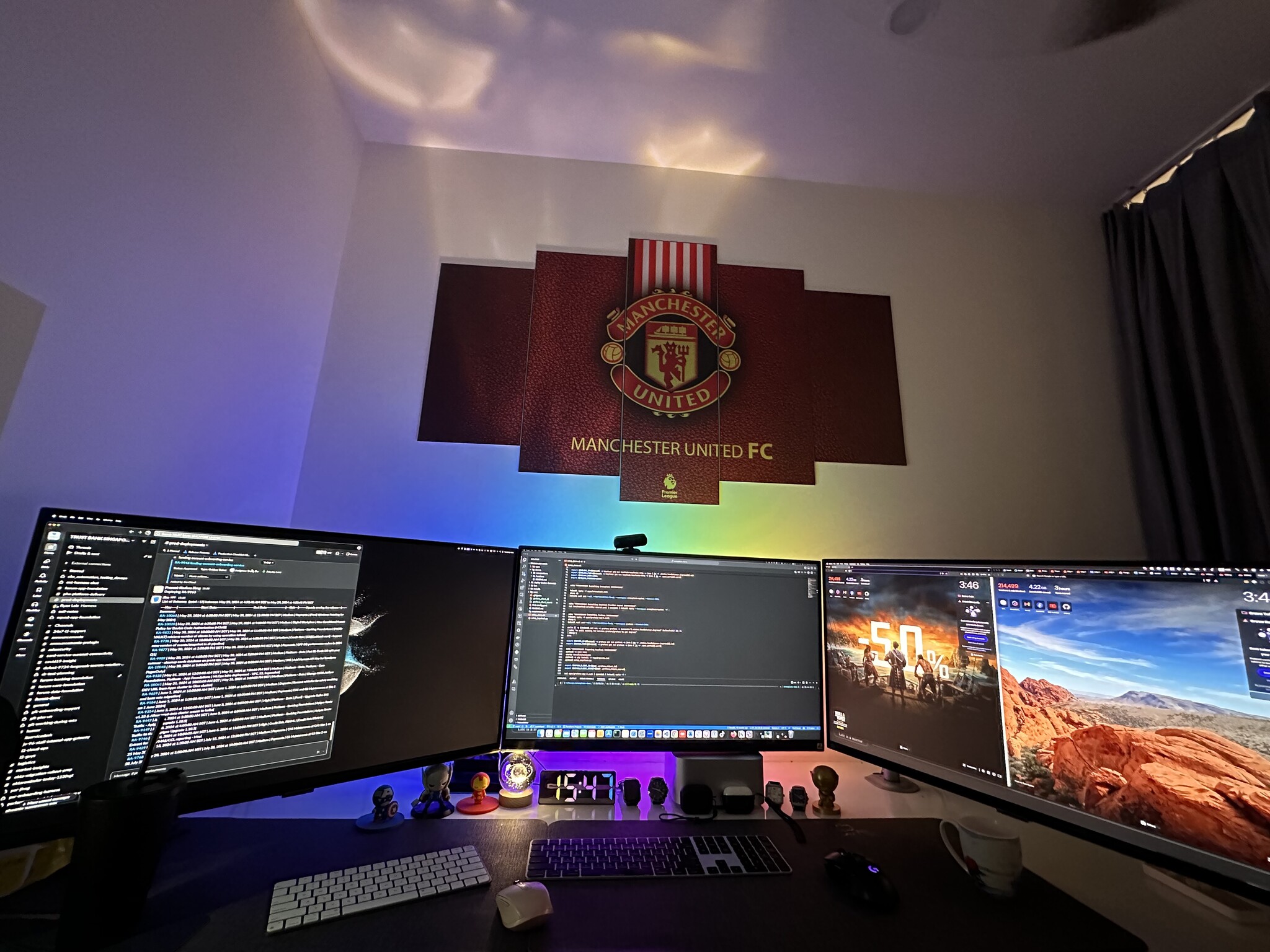
The subject of this profile transitioned through various monitor dimensions, beginning with standard 27-inch displays before standardizing a panoramic workstation utilizing three 32-inch 4K monitors. This multi-display array creates an expansive, virtually uninterrupted visual canvas. By dedicating individual screens or partitioned areas to distinct workflows—such as coding interfaces, debugging consoles, and documentation—the developer eliminates the cognitive friction associated with cycling through hidden windows.
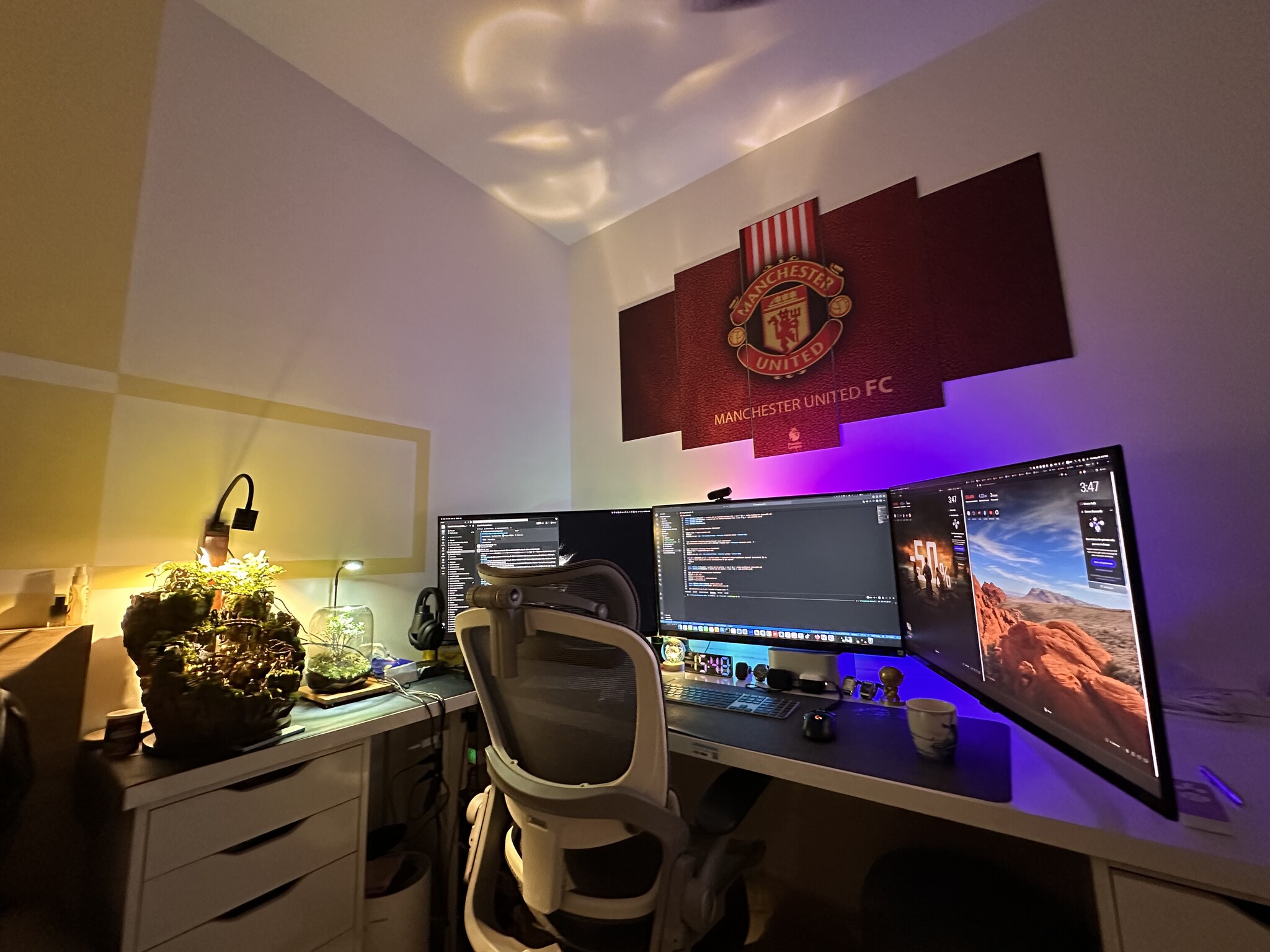
Industry analysts note that while ultra-wide and multi-monitor setups significantly reduce the time spent navigating graphical user interfaces, they also introduce ergonomic challenges. Maintaining an optimal field of view without inducing neck strain requires precise monitor arm calibration and appropriate viewing distances, a balance achieved in this setup through rigorous spatial planning.
Core Computing Architecture: Mac Studio and Enterprise Integration
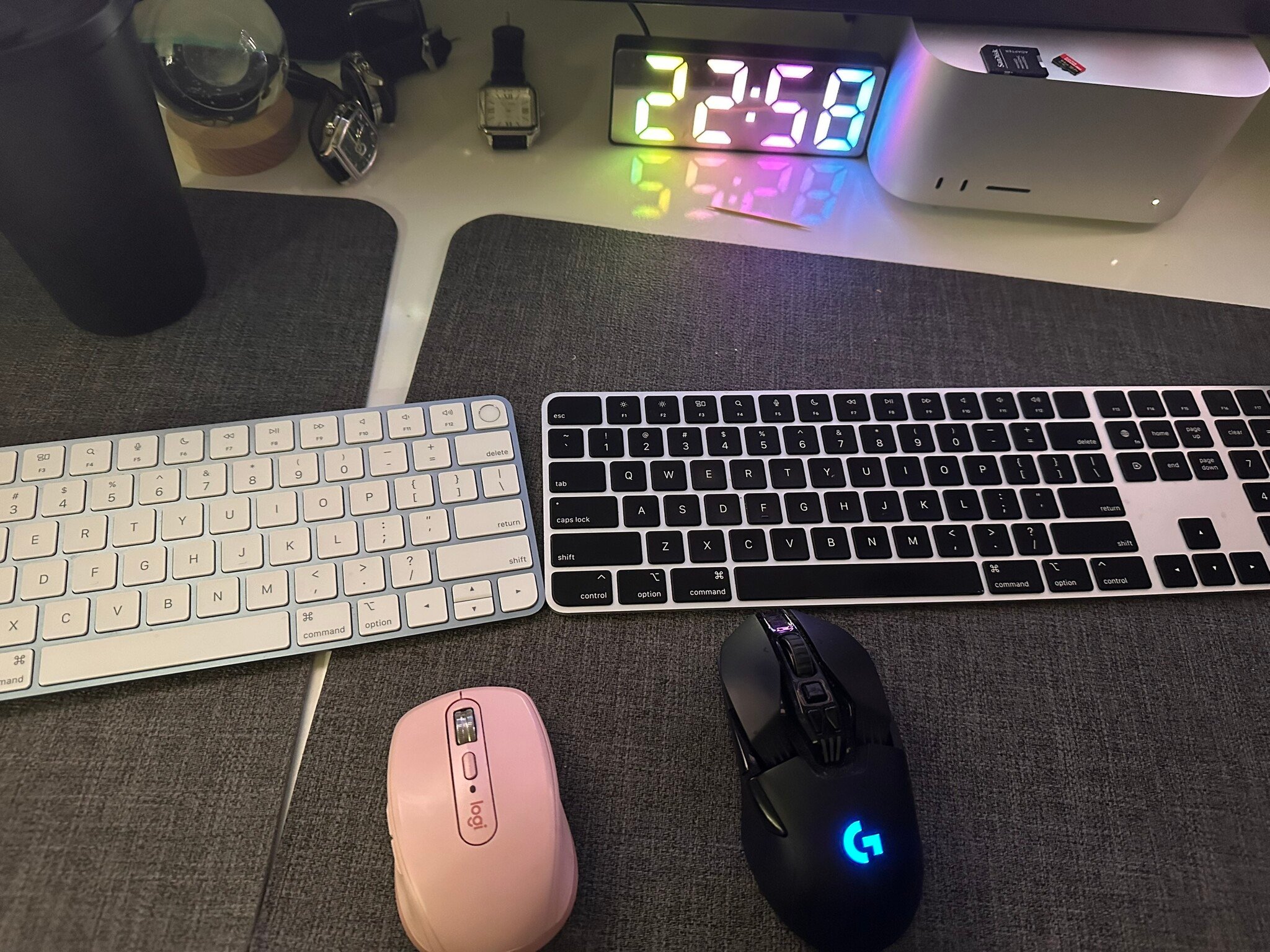
At the heart of the hardware ecosystem sits the Apple Mac Studio, powered by high-performance proprietary silicon. Chosen as the primary workstation for its exceptional thermal efficiency and processing capability, the machine handles demanding computational tasks ranging from full-stack software compilation and local server deployment to video editing and recreational gaming.
Technical specifications of modern desktop silicon—such as unified memory architectures and high core counts—allow developers to run continuous workloads without performance degradation. In this specific configuration, the machine operates continuously, running 24/7 without scheduled shutdowns. This high-availability approach ensures that background daemons, automated testing pipelines, and remote access services remain uninterrupted. Furthermore, the system demonstrates high graphics performance, capable of sustaining high refresh rates (such as 144Hz) for graphical applications during off-peak hours.
In parallel, the workspace accommodates an enterprise-issued MacBook Pro M2. While managed corporate devices often impose restrictions on user customization and peripheral integration, maintaining a dual-system environment is standard practice for IT professionals who must segregate corporate compliance environments from personal development sandboxes. The dual-laptop and desktop arrangement underscores the necessity for flexible peripheral sharing and KVM (Keyboard, Video, Mouse) efficiency in contemporary office design.
Peripherals and the Ergonomic Trade-off: Touch ID and Keyboard Selection
Input device selection often involves balancing tactile preference against functional necessity. For years, mechanical keyboards dominated the software engineering sector due to their tactile feedback, customizable actuation points, and durability. However, the integration of biometric authentication across modern operating systems has shifted priorities toward security-integrated peripherals.
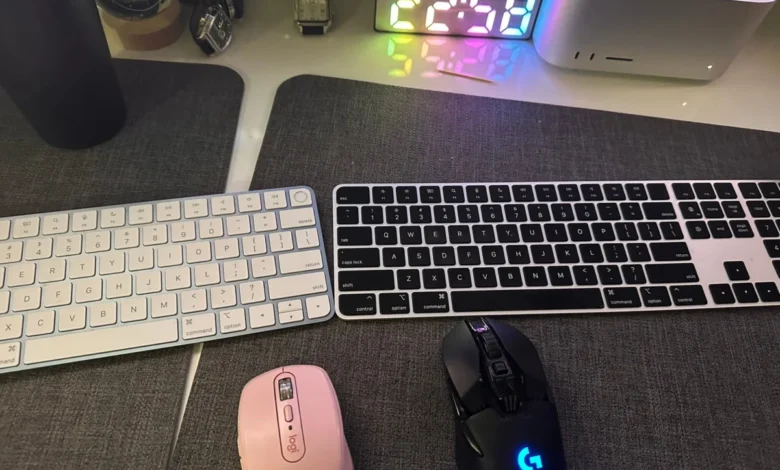
The developer transitioned to Apple’s Magic Keyboards equipped with Touch ID integration for both the personal Mac Studio and the corporate MacBook Pro. While low-profile scissor-switch membrane keyboards do not offer the tactile depth or acoustic feedback of custom mechanical keyboards with specialized switches, the time saved through instantaneous biometric authentication outweighs the ergonomic compromise for daily enterprise workflows. Combined with extended battery life and reliable multi-device wireless connectivity, these input devices streamline authentication processes for secure software repositories and password managers.
Ergonomics and Long-Term Health in Sedentary Professions
Occupational health studies consistently emphasize the risks associated with sedentary behavior, particularly for technology workers whose daily routines frequently exceed ten to twelve hours of continuous sitting. Poor posture and inadequate lumbar support are primary contributors to musculoskeletal disorders among desk-bound professionals.
Addressing these physiological risks required iterative testing of various seating solutions before standardizing the Epione EasyChair (Version 1). Selecting an office chair with advanced ergonomic adjustments—including dynamic lumbar support, breathable mesh construction, and multi-dimensional armrests—is critical for distributing body weight evenly and maintaining spinal alignment during extended operational periods. Ergonomists recommend that high-performance seating solutions should allow for independent adjustments of seat depth, tilt tension, and height to accommodate diverse anthropometric profiles.
Broader Implications for Remote and Hybrid IT Infrastructure
The meticulous design of high-performance personal workspaces reflects a broader industry trend toward professional-grade home and hybrid offices. As organizations continue to embrace remote and flexible work models, the responsibility for ergonomic safety and hardware reliability has partially shifted from centralized corporate facilities to individual engineers.
Investing in robust display matrices, reliable high-throughput computing nodes, and certified ergonomic furniture yields measurable returns in output quality and employee retention. By minimizing physical discomfort and technological latency, advanced workstation configurations enable software engineers to sustain complex problem-solving states—commonly referred to in programming as "flow"—thereby driving innovation and efficiency across the technology sector.